

Step-by-Step Guide: How to Remove an Account Safely and Efficiently
In today’s digital age, managing our online identities has become increasingly crucial. Whether it’s for privacy, security, or simply a desire to declutter your digital space, knowing how to remove an account can be beneficial. This guide aims to provide you with clear instructions for removing accounts from various platforms. From social media to email providers, we’ll cover everything you need to know.

1. Understanding Why You Might Want to Remove an Account
Before diving into the step-by-step process, it’s important to reflect on why you want to delete an account. Common reasons include:
- Privacy Concerns: In an age where data breaches are common, many users opt to delete their accounts to protect personal information.
- Security Reasons: Accounts can become vulnerable due to hacking or phishing attacks. Removing them can prevent unauthorized access.
- Digital Detox: With the increasing amount of time spent online, some users may choose to disconnect from social media or other platforms to improve their mental health.
- Account Hacking: If you suspect your account has been compromised, or you’re unable to access it, removal may be your best option.
2. General Considerations Before Deleting an Account
Before you proceed, consider the following:
- Make sure you back up any important data.
- Check if there are ongoing subscriptions or associated accounts that may need attention.
- Inform any key contacts that you may no longer be reachable through that account.
3. How to Remove an Account from Social Media
3.1 Facebook
To delete your Facebook account, follow these steps:
- Log in to your Facebook account.
- Go to “Settings & Privacy” from the dropdown menu.
- Select “Settings,” then navigate to “Your Facebook Information.”
- Click on “Deactivation and Deletion.”
- Select “Permanently Delete Account” and follow the prompts to complete the process.
3.2 Instagram
For Instagram, here’s how to remove your account:
- Log in to your account on a web browser.
- Go to the “Delete Your Account” page.
- Choose a reason for deleting your account from the dropdown menu.
li>
- Re-enter your password, then click “Permanently delete my account.”
3.3 Twitter
To delete your Twitter account, proceed with the following:
- Log into your Twitter account.
- Go to “Settings and privacy.”
- Visit the “Your account” section.
- Select “Deactivate your account” and follow the instructions.
4. How to Remove an Email Account
4.1 Gmail
If you wish to delete your Gmail account:
- Sign in to your Google Account and go to “Data & personalization.”
- Scroll down to “Download, delete, or make a plan for your data.”
- Select “Delete a service or your account.”
- Click on “Delete a service” and follow the prompts.
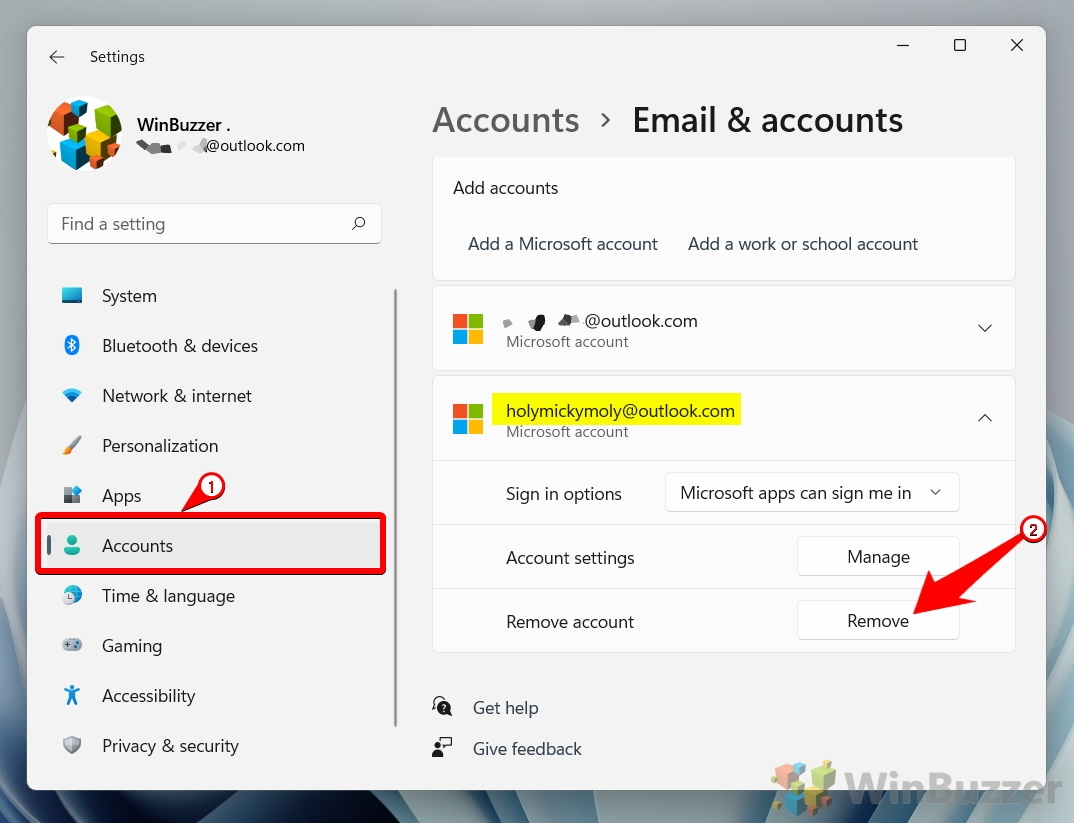
4.2 Outlook
For Outlook users, this is how to delete your account:
- Log in to your Outlook account.
- Go to “Your info” and then select “Manage how you sign in to Microsoft.”
- Follow the instructions to close your account.
5. How to Remove an Online Service Account
For other online services:
- Check their FAQ or help center for specific instructions.
- Look for an option to delete or deactivate your account in your account settings.
6. What Happens After You Delete an Account?
After you delete an account, it’s typically irreversible. Here are some potential implications:
- Data Loss: All associated data will usually be lost.
- Inactivity: If you change your mind, you may not be able to retrieve your account.
- Subscriptions: You will lose access to any subscriptions linked to the account.
7. Conclusion
Knowing how to remove your accounts effectively can empower you to take control of your online presence. It’s essential to approach this process systematically and consider the implications of your actions. Feel free to refer to platform-specific guidelines for detailed instructions, and ensure you back up important information beforehand.
For more information on account deletion, visit: How to Remove an Account from Instagram Account Center https://crazyfb.shop/en/page/kak-udalit-akkaunt-iz-centra-akkauntov-instagram
